July 15th, 2026
What's New
I'm very happy to announce that Living Scenery Technology 2.0 is now available as a public beta! LST 2.0 is a complete rewrite of LST to modernize the internal code, improve maintainability, and enable new features. For the most part, LST's operation remains identical, just with better performance, a new file format, and some minor new features.
If you are a user, I'd recommend sticking with LST 1.13.3 for now, and wait until 2.0 is live on Skunkcrafts Updater. If you do encounter issues, please don't hesitate to reach out via the support page or Discord!
Most of what follows will be of interest to developers and more than likely boring to everyone else - but you curious users are more than welcome to keep reading nonetheless!
Better Performance
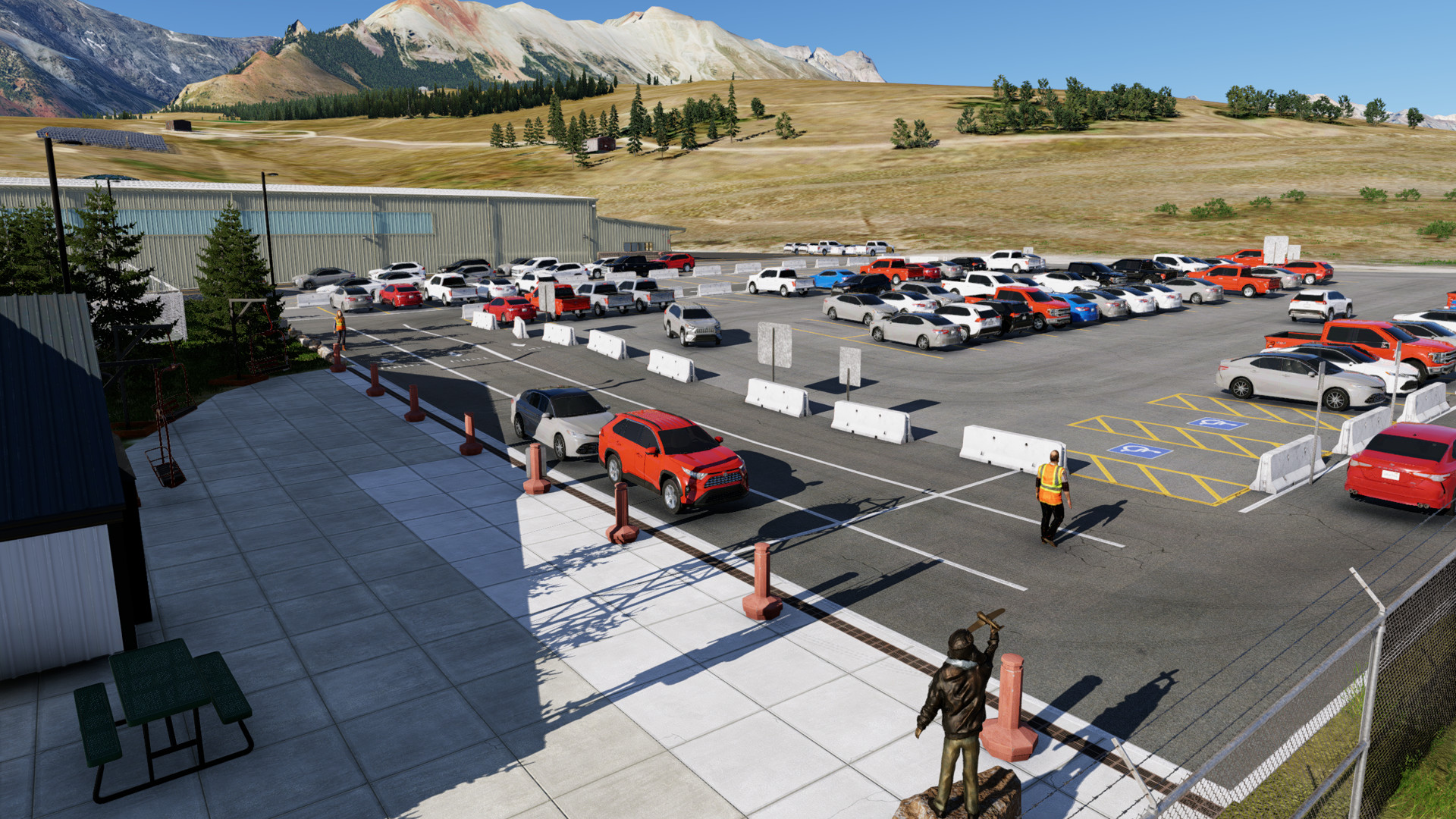
LST has always been fairly fast, at KDEN it cost less than 10% of the performance, despite running thousands of cars and people. But it can always be faster. LST 2.0 does 2 big things for performance:
First, the core movement logic for all objects is run on a second thread, which runs while the sim is running. This means all the work of moving the cars, ray casting for collisions, etc, is running while the sim is doing it's work, and simply feeds that data back to the sim thread to make appropriate API calls. This enables LST to process dramatically more objects (in my testing, upwards of 10x), with no performance impact.
Second, LST 2.0 adds optional specification of max ranges for objects. Interestingly, the API call to move an object in the sim is one of the biggest performance impacts in LST, making up over 50% of plugin processing time. This has to be on the main thread, there's nothing to optimize there. Yet, it doesn't however make much sense to move a 2 meter tall passenger object that is 500 meters away from you. Now, developers can specify a max range on objects, so if the camera is out of range, the object is destroyed from the sim, producing no API calls. At Denver, this produced performance savings of over 5x.
New Format
Prior versions of LST used a simple text file with comma separated arguments. While this system was perfectly fine, it was easy to make a mistake in, and not the prettiest to look at. LST 2.0 has moved to simply using XML files, which can easily be validated against the schema on our website, which all generated XMLs should link against. Additionally, XML allows for easier abstraction in LST's code, and thanks to not using a brittle naming scheme, you can have as many LST packages per scenery as you want. Please note your legacy LST packages will be automatically converted by the LST 2.0 plugin.
New Features
As mentioned, LST 2.0 has some new features, including:
- Menus can be added to enable users to interact with the scenery (such as opening a hangar door)
- Camera Triggers enabled a dataref to be triggered based on the camera location, as as opening a door when the camera gets close
- Ability to set pitch/roll on a per-waypoint basis
- Ability to set altitude on a per-waypoint basis
- Ability to set turn radius, minimum spacing constants, and acceleration/deceleration speeds on a per-object basis
- Trains should actually stay together instead of breaking over time or at high speeds
- Ray-Casted anti collision logic
Anti Collision Logic
Let's talk a bit more about that last feature. Since LST 1.13, LST has had the ability to slow down objects to avoid a collision. This system was brittle however, it checked all objects, determining distance based on the route, leg, and distance on that leg of the route. The key reason for this odd logic here was because it was workably fast since the checks were cheap.
LST 2.0 differs in that, rather than checking every object against every object, which gets exponentially more expensive with additional objects, it simply querries "buckets" of objects around it's location, limiting the scope of objects to check for collisions against. Thanks to the reduced scope, we can afford to look where both cars will be in the future, check if they intersect, and adjust the speed of the car that is furthest from the intersection to maintain a minimum spacing.
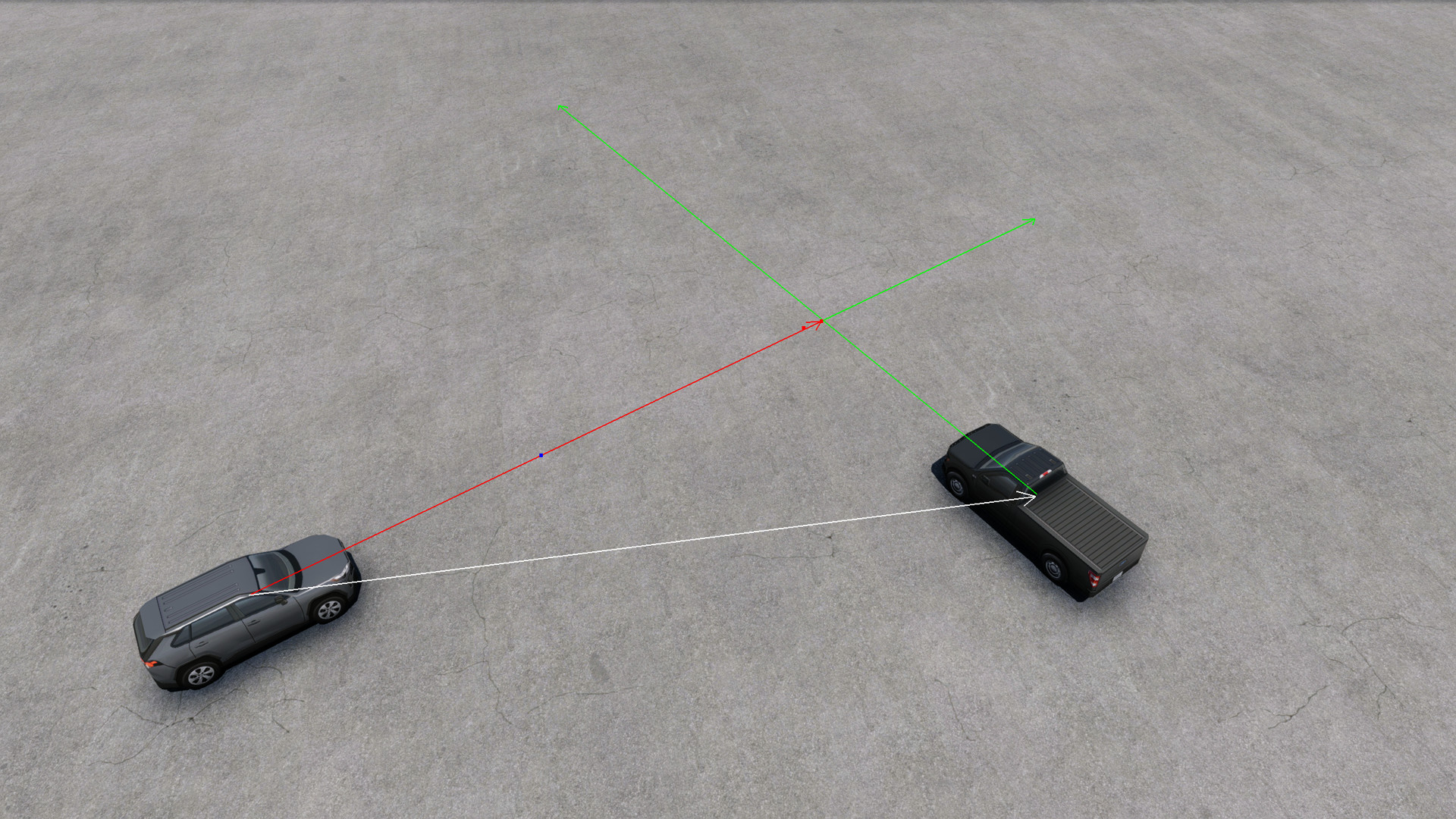
While this system does work fairly well, and actually handles branching routes smoothly, and things like crosswalks are handled naturally. It does have some drawbacks however, primarily being objects think they're going in a straight line. The collision check doesn't account for object's future turns (this is due to performance). In practice, this means sharp turns may result in objects stopping suddenly because they didn't "see" the next object around the corner, or objects slowing down because they think they're going to hit the object in front of them (which they would if they weren't turning). So, if you're using collision avoidance in your LST routes, make sure you check that objects properly traverse through your routes, even in busy conditions.
Goodbye Windows only CLI utility, hello Web Editor!
Something I'm sure all you developers will be happy about, the days of using the terrible CLI generator utility and configuring your LST package in Notepad are now over! Instead, while you will still create your routes in WED, just like before, you can convert them to a LST package, and configure everything else in LST using the developer Web Editor! Note the web editor never uploads or stores your files, instead it is just javascript and html code that runs in your browser on your PC. Full documentation is on the Documentation page. If you run into any issues or have any questions, again, please reach out!
In closing, I'm really pleased to finally have a modernized, maintainable version of LST, and I hope you all enjoy this update!