Discover
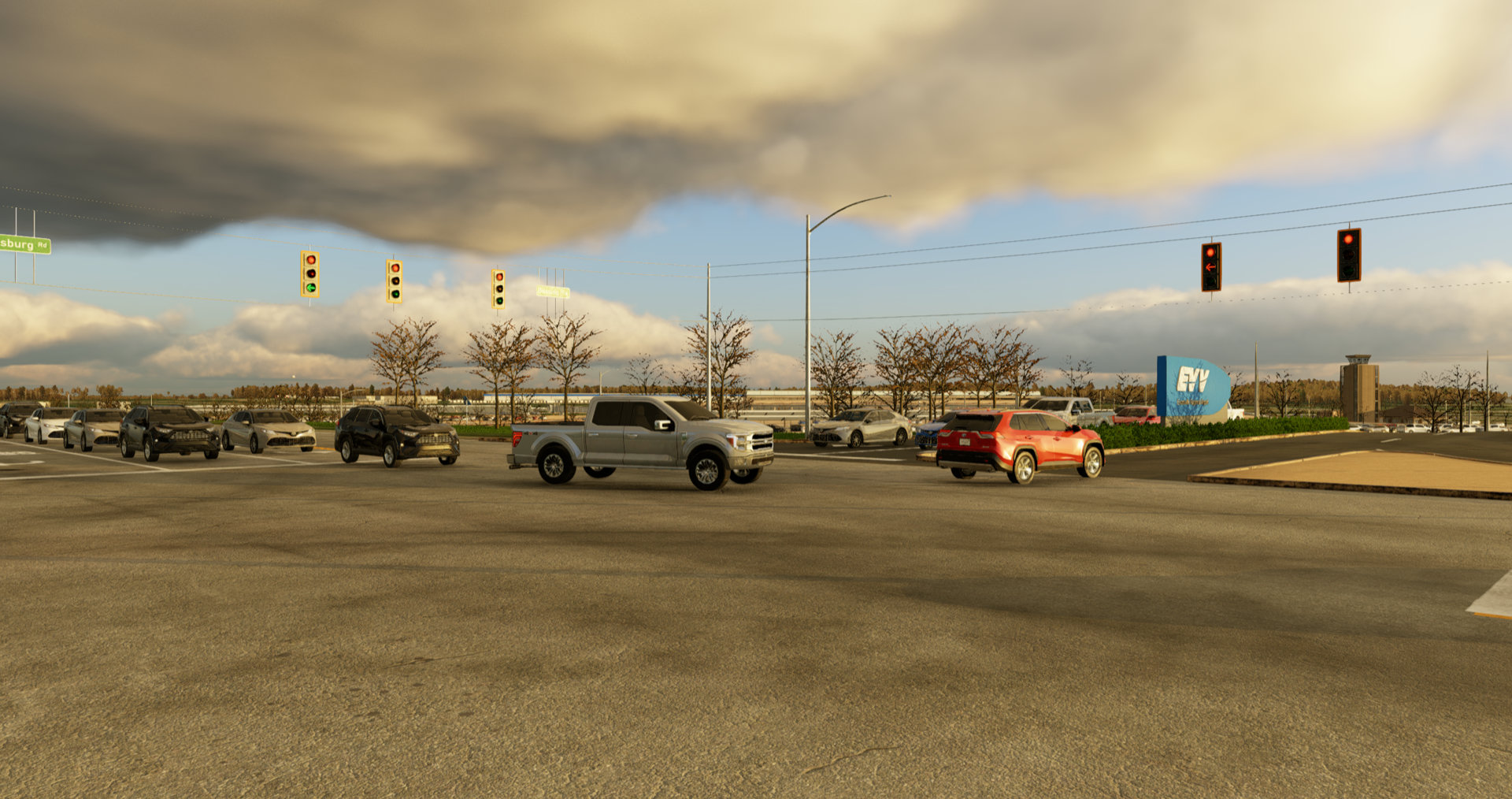
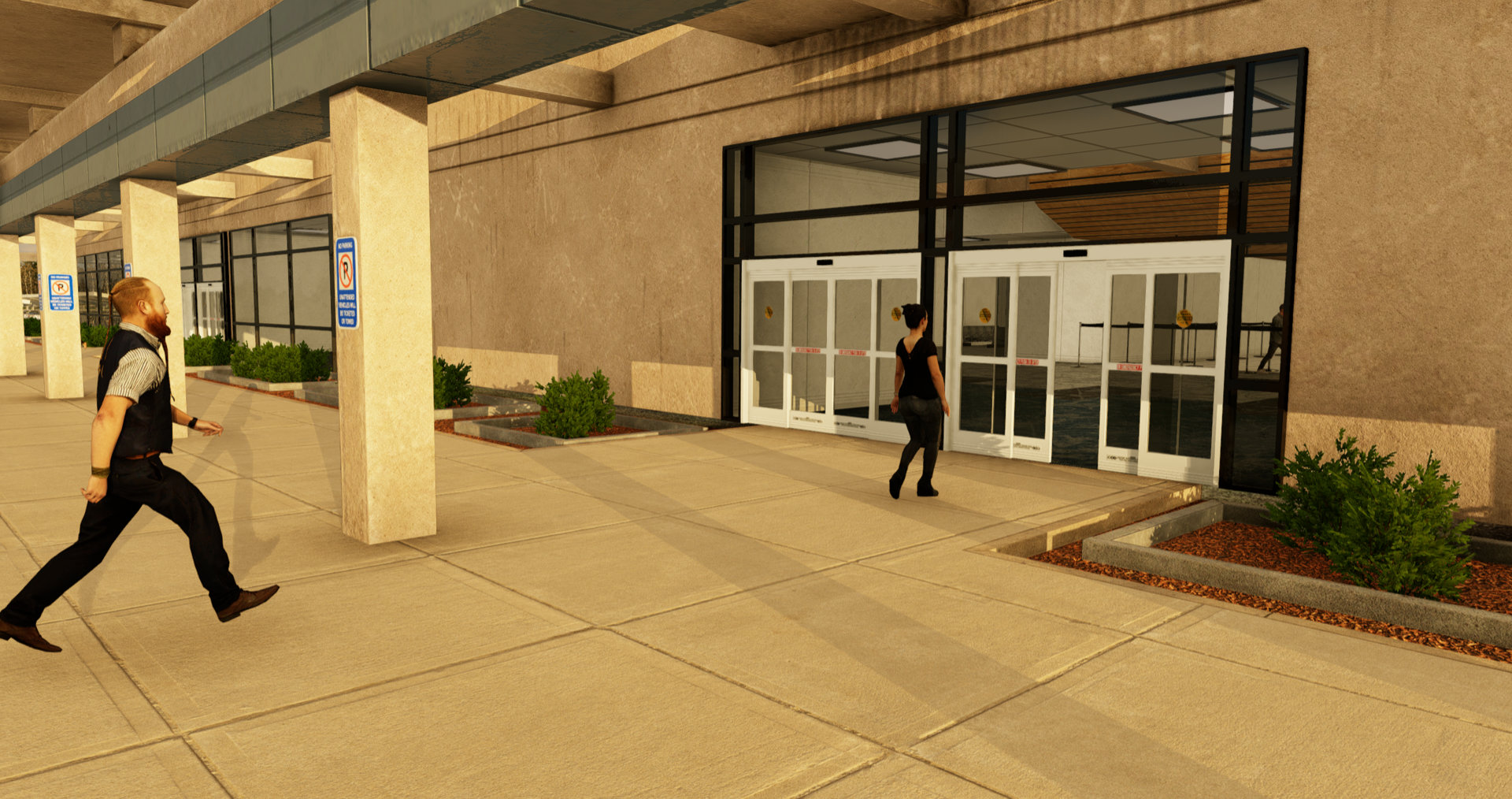
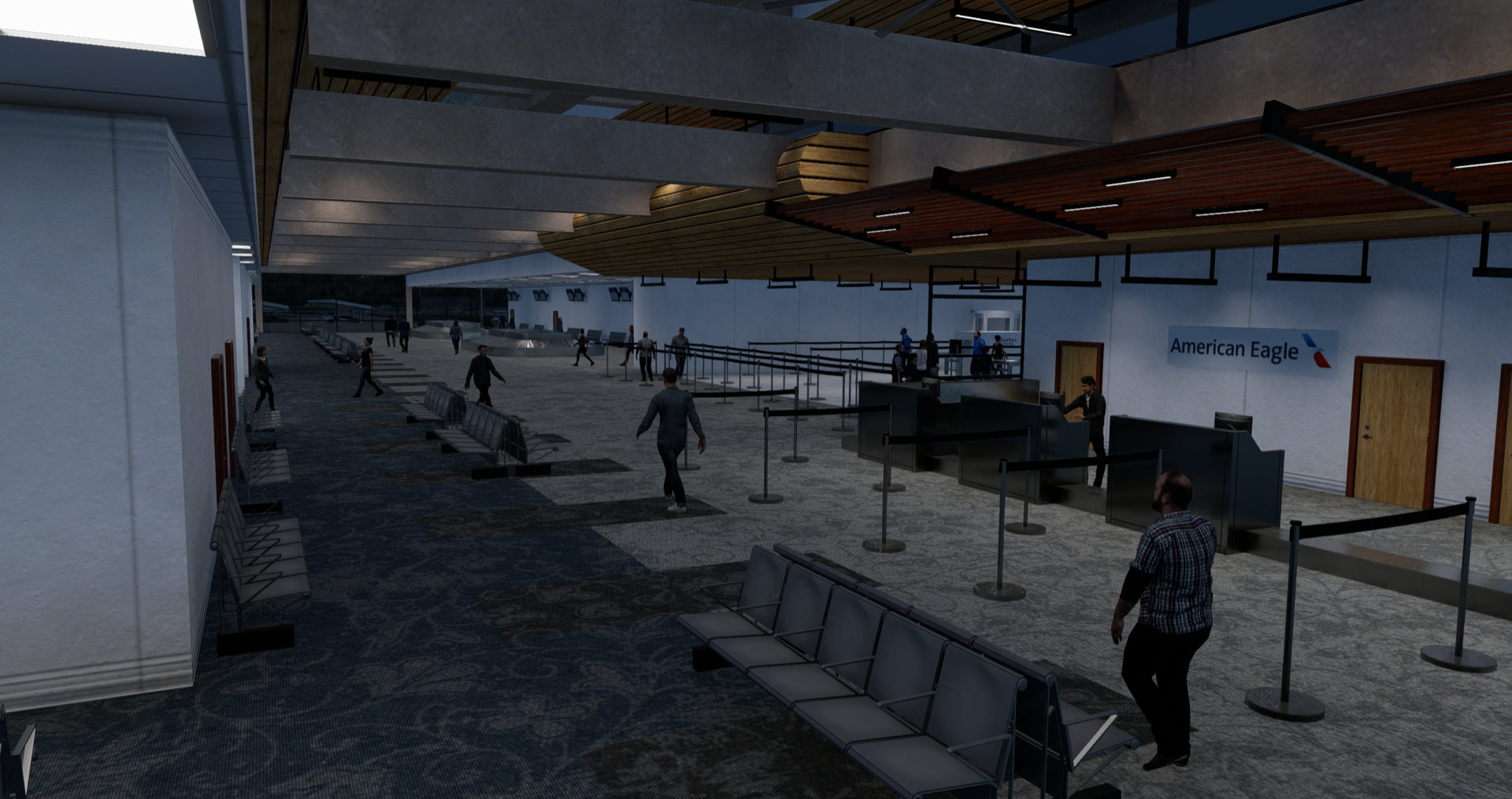
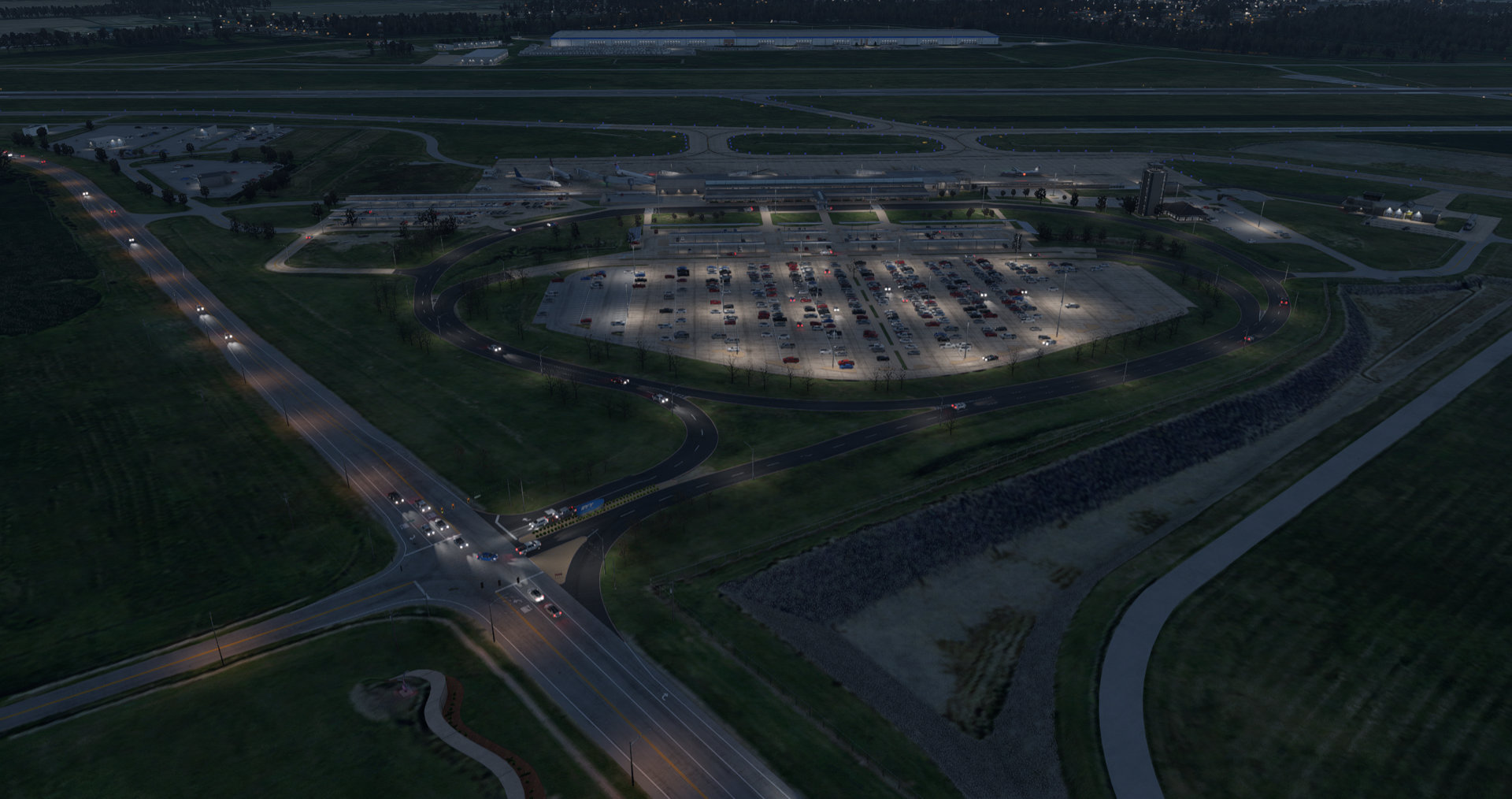
Living Scenery Technology (in short, LST) a plugin that empowers X-Plane developers to bring their scenery's to life with complex, dynamic animations. For users, installation is as simple as downloading, unzipping, and copying the plugin to their plugin folder.
At the core of Living Scenery Technology, is it's route engine, which enables objects to traverse routes through the X-Plane world, triggering actions, dynamically choosing their next route, and adjusting speed to avoid collisions as they go. Additionally, you can create menus for user interaction, create Pilot Controlled Lighting systems for engaging night ops, and control datarefs that drive your animations with simple keyframing and math operations. But the best feature is, Living Scenery Technology is freeware, for everyone, forever.
Please note Living Scenery Technology alone does nothing. It simply provides a system which scenery's can use.
Features
- Easy for users
- Single plugin installation for all sceneries
- Fast performance
- Support for Mac, Windows, and Linux
- Support for X-Plane 11 and X-Plane 12
- Automatic updates via Skunkcrafts Updater
- Pilot Controlled Lighting System
- Customize every part of the user interaction for the airport (frequency, range, PTT clicks, duration)
- Works with native PTT command, and user assigned LST PTT command
- Easy dataref definition and manipulation
- Developer defined numeric datarefs
- Support keyframing datarefs
- Support simple multi-step math operations
- Support setting datarefs based on camera location
- Support for simple menus to trigger datarefs
- Robust Animation Capabilities
- Developer defined activation range for massive projects
- Loop or highway style routes
- Branching enables natural traffic flows
- Support for triggering global and per instance datarefs
- Support for conditional branches and stops
- Smooth acceleration and deceleration
- Optional collision avoidance
- Smooth turning on curves
- Top Teir Performance
- Core logic runs on a 2nd thread while the sim runs for near-zero overhead
- Optional separate range limiters for objects to reduce rendering load beyond LODs and limit API performance costs
- Asynchronous loading of assets for minimal stutters